

DevOps
The EU AI Act’s August 2 Deadline Didn’t Move. Here’s What Still Hits in 10 Weeks.
There’s a comforting story circulating in European tech leadership circles right now: that the deadline has slipped.
Enabling organizations to achieve faster, more reliable, and more efficient software delivery
That’s what lies at the heart of the DevOps approach.
And the way DevOps engineers can achieve it is through automation tools.
In 2023, the landscape of DevOps tools has expanded, offering various robust solutions to automate different stages of the development workflow. Today, DevOps engineers have all the necessary tools to automate software development processes while also focusing on lifecycle, distribution, and monitoring equipment, among other things.
In this article, we will explore the top eight DevOps tools that you’ll want to add to your arsenal and that are essential for organizations seeking to optimize their software development processes.
Let’s get started!
DevOps automation tools are software solutions designed to automate and streamline various stages of the software development lifecycle – from coding and building to testing, deployment, and monitoring.
By reducing manual intervention, eliminating repetitive tasks, and enabling seamless integration between development and operations teams, these tools will help you improve:
DevOps automation tools encompass a wide range of functionalities and can be categorized into different areas, including:
We’ve briefly discussed how you’ll benefit from integrating automation tools into your development process. However, we know from experience that it helps to dive deeper when integrating a new tool or process. So here are the main advantages you’ll experience from expanding your toolset:
Improved efficiency
By automating repetitive tasks, improving collaboration, and providing faster feedback, DevOps automation tools significantly enhance efficiency throughout the software development lifecycle. They will enable you to deliver software faster, with fewer errors, and with the ability to quickly adapt to changing requirements and scale your infrastructure as needed.
Better team collaboration
Using DevOps tools means providing shared work environments, version control systems, automated testing, and real-time communication channels. As a result, they will break down all barriers between your team members, facilitating seamless collaboration. This collaborative approach will inevitably lead to increased productivity, faster problem-solving, and improved overall team efficiency.
Higher consistency in software development
Achieve more reliable and higher-quality software releases. By promoting standardized processes for build and deployment, configuration management, infrastructure provisioning, testing, and change management, DevOps automation tools ensure a higher level of consistency throughout the software development lifecycle.
Docker is a widely adopted software containerization platform with a user base of over 11 million developers worldwide. Created by Solomon Hykes, Docker was launched in 2013 under the management of Docker, Inc.
As a DevOps tool, Docker simplifies the process of building, packaging, and deploying code by utilizing containers that include all the necessary dependencies instead of virtual machines. By doing so, Docker eliminates the need for tedious configuration tasks and promotes efficient collaboration among team members.

The most well-known open-source container orchestration technology, Kubernetes, commonly referred to as K8s, is an open-source platform designed to automate the deployment, scaling, and administration of containerized applications.
It organizes the containers that comprise an application into manageable and discoverable units, drawing from Google’s extensive experience running production workloads for over 15 years and incorporating community-driven ideas and practices.
Terraform is an open-source infrastructure as code (IaC) tool created by HashiCorp. It enables the provisioning, managing, and deploying of infrastructure resources across various cloud providers and other infrastructure platforms.
With Terraform, infrastructure can be treated as code, enabling version control, collaboration, and automation of infrastructure workflows.
Jenkins is a freely available open-source automation server that aids in automating various software development processes, including building, continuous integration, continuous deployment (CI/CD), deployment, and testing.
It is a Java-based CI server that runs on various operating systems such as Windows, macOS, and Unix-based platforms. Jenkins can also be deployed on cloud-based platforms for increased convenience and scalability.

GitHub is a web-based platform that provides a hosting service for version control using Git. It allows individuals and teams to collaborate on software development projects by providing features like:
GitHub is a central hub for developers to store, manage, and share their code, enabling efficient collaboration, version control, and community engagement.
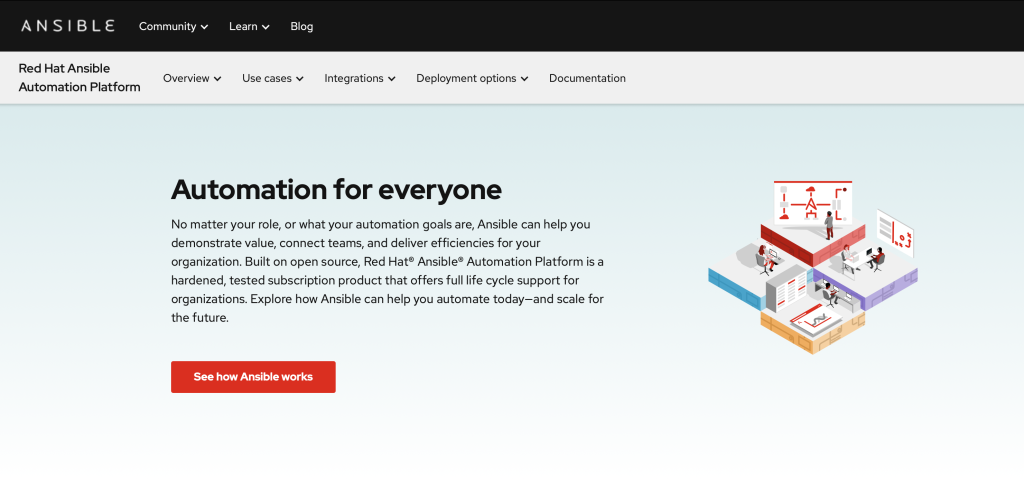
Ansible is a Python-based, open-source IT automation software that enables tasks such as system configuration, software deployment, and workflow orchestration. It stands out for its user-friendly approach and emphasis on security and dependability.
With a minimalistic design, it leverages OpenSSH for transport and offers a human-readable language, enabling users to quickly start automating without extensive training. Additionally, Ansible supports alternative transports and pull modes to suit various requirements.
Bitbucket is a web-based platform for version control and collaboration, primarily used for hosting and managing Git repositories. It provides a range of features to support software development teams, including code repository management, code collaboration, issue tracking, and continuous integration/continuous deployment (CI/CD) capabilities.
Bitbucket Pipelines is the CI/CD tool that allows every DevOps engineer to automate their code from test to production, thanks to the rich toolset it provides:
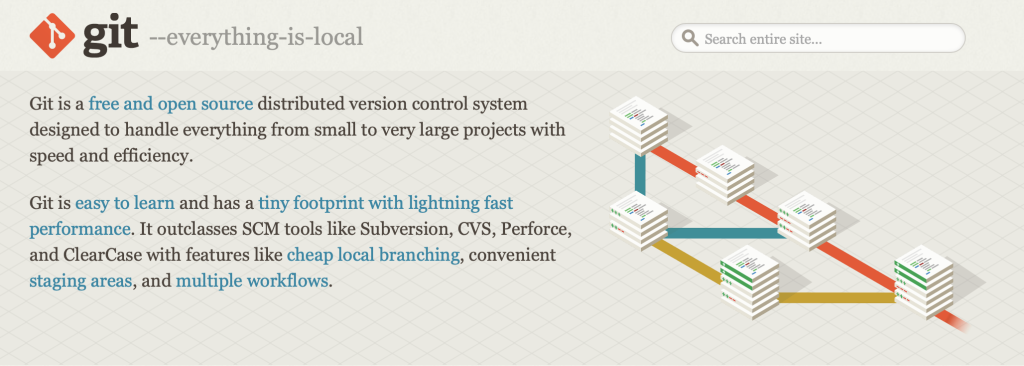
Git is a highly popular DevOps tool widely utilized in the software industry, including major companies like Facebook, Amazon, and Microsoft. It is particularly favored by remote teams and contributors. Git’s distributed source code management (SCM) model enables developers to track development progress and manage multiple versions of the source code. It leverages hosting platforms like GitHub, where contributors can push their work.
Selecting the right DevOps automation tools is crucial for optimizing software development processes. To make an informed decision, focus on three key factors:
An alternative option is outsourcing your DevOps operations and hiring a trusted partner.
OpsHero is an experienced DevOps team of specializing in services like. We would love to help you improve your efficiency, collaboration, and processes.
Originally published on opshero.com
There’s a comforting story circulating in European tech leadership circles right now: that the deadline has slipped.

There’s a regulatory deadline most DevOps teams have not internalised yet. On 11 September the clock starts.
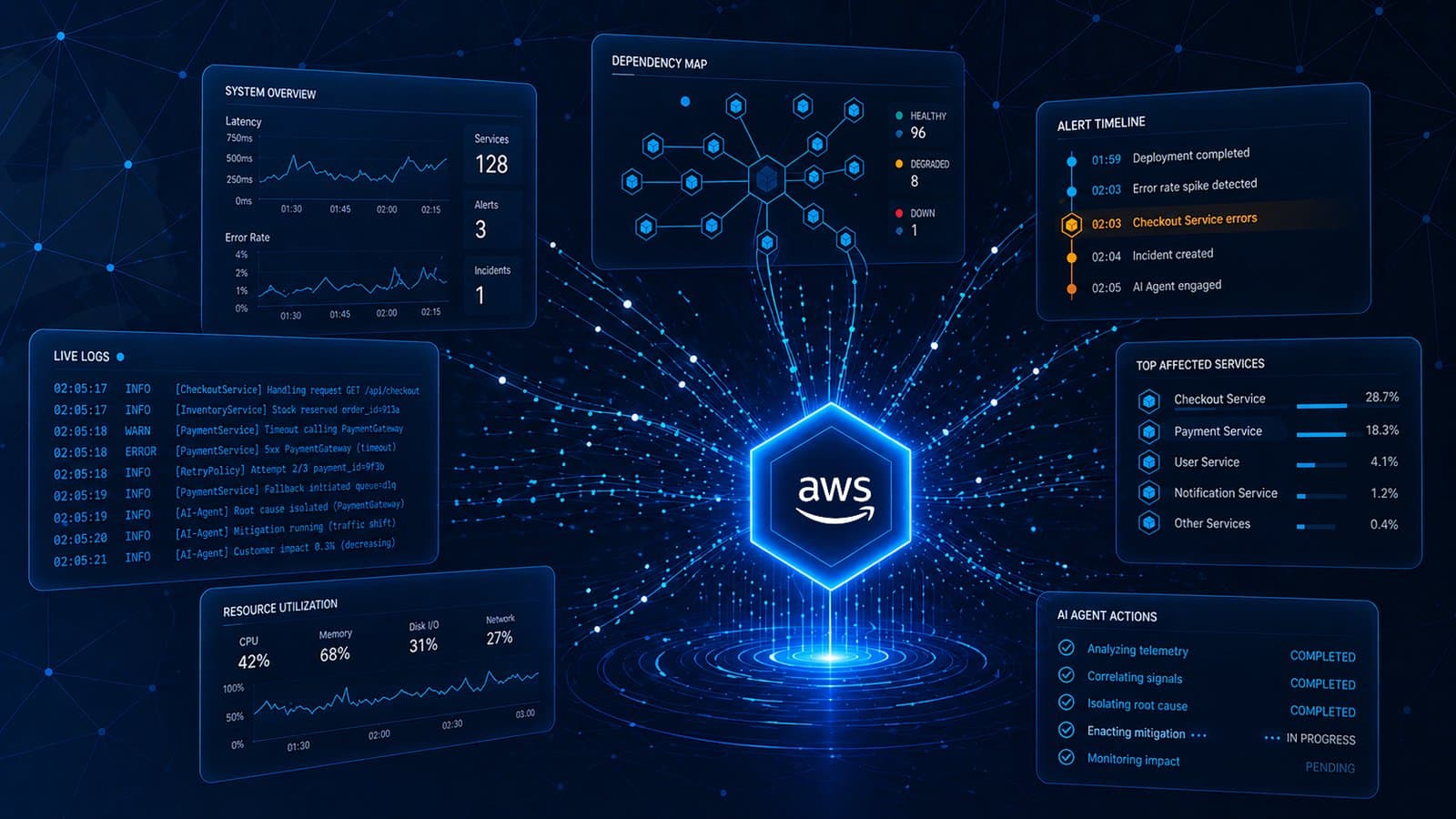
On March 31, 2026, AWS moved two of its most ambitious AI services from preview to general availability.